The terminal UI
lop opens a full-screen Textual app, not a REPL. Everything the agent does shows up as a card or a one-line receipt: tool cards expand to show the full command and output, and the status line tracks the current step, token usage and cost.
Launch
lop
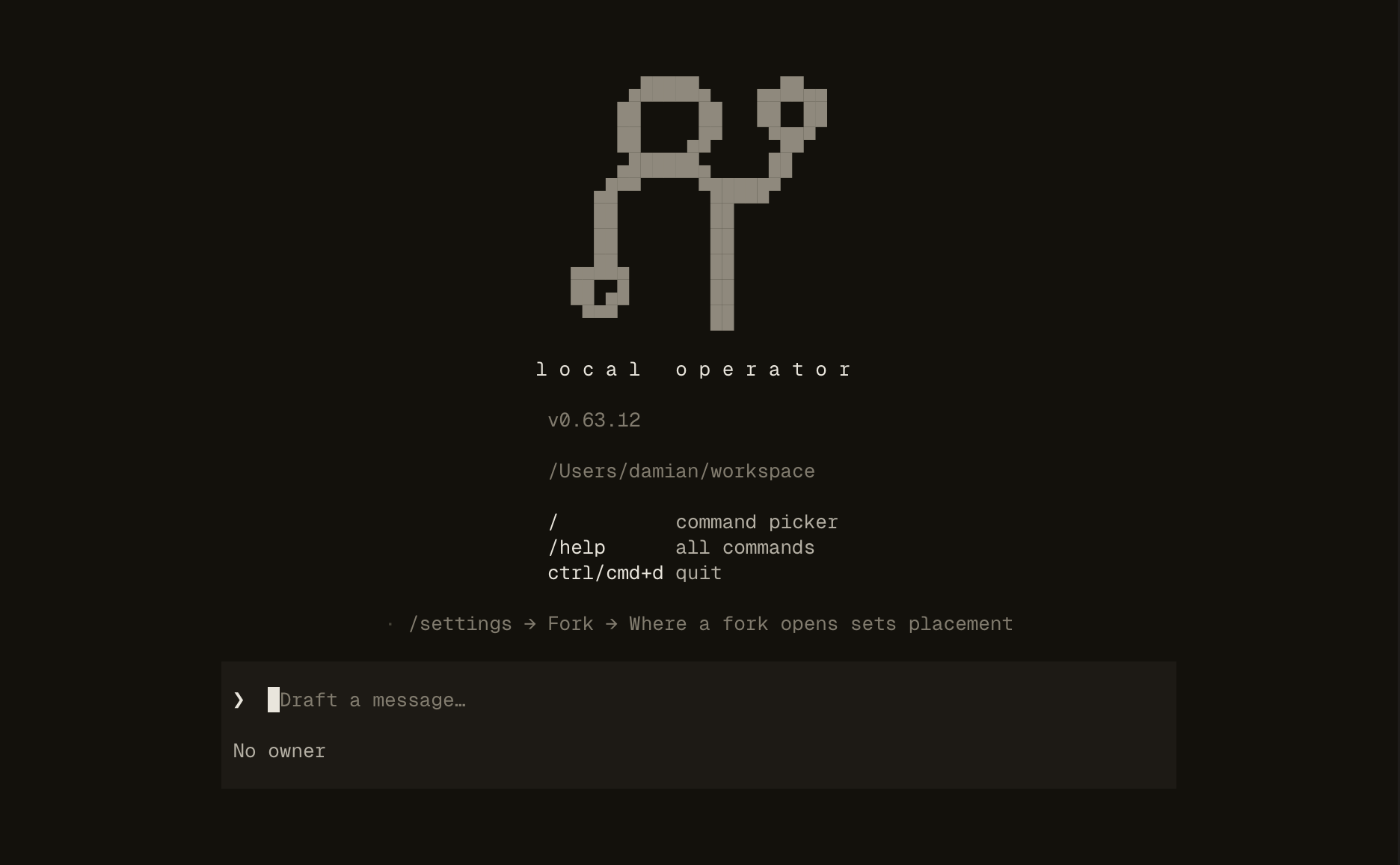
That is the whole command. If no provider is configured, the welcome state walks you through /login; a headless or piped run prints the exact commands to configure hosting, model and a key instead.
The screen
- Transcript — streamed responses, expandable tool cards, and one-line receipts for every action.
- Composer — where you type. While the agent works, your message is delivered at the next step as steering.
- Status line — current step, token usage, and cost.
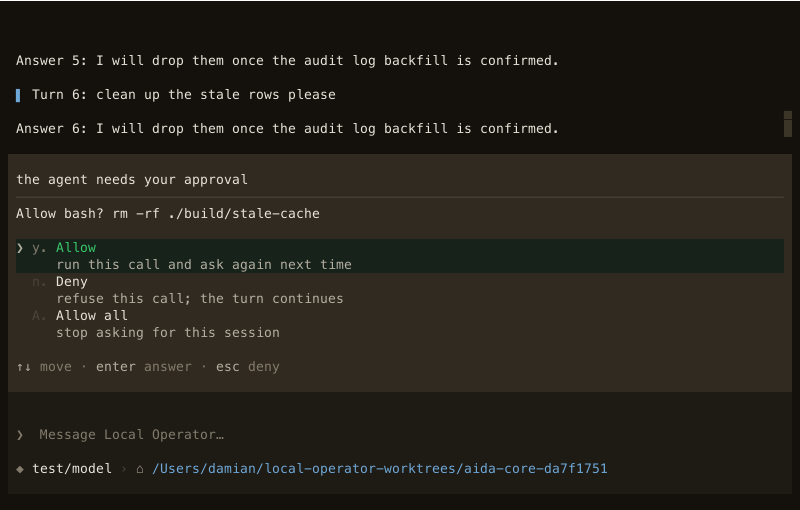
- Approval prompts — when a tool needs sign-off, the prompt shows the exact command before anything touches your system.
Keys worth knowing
| Key | Does |
|---|---|
esc | Stop the agent without ending the session |
enter / space | Expand or collapse a tool card |
ctrl+b or /sidebar | Show or hide the conversation sidebar (f9 focuses it) |
shift+tab | Cycle reasoning effort |
f8 | Open an aside — a side question that never joins the conversation |
ctrl+l | Clear the transcript (history is untouched) |
ctrl+t / ctrl+g | Expand the todo list · cycle the subagent panel |
$ alone | Open the skill picker ($research the payments rewrite runs one) |
Slash commands that matter
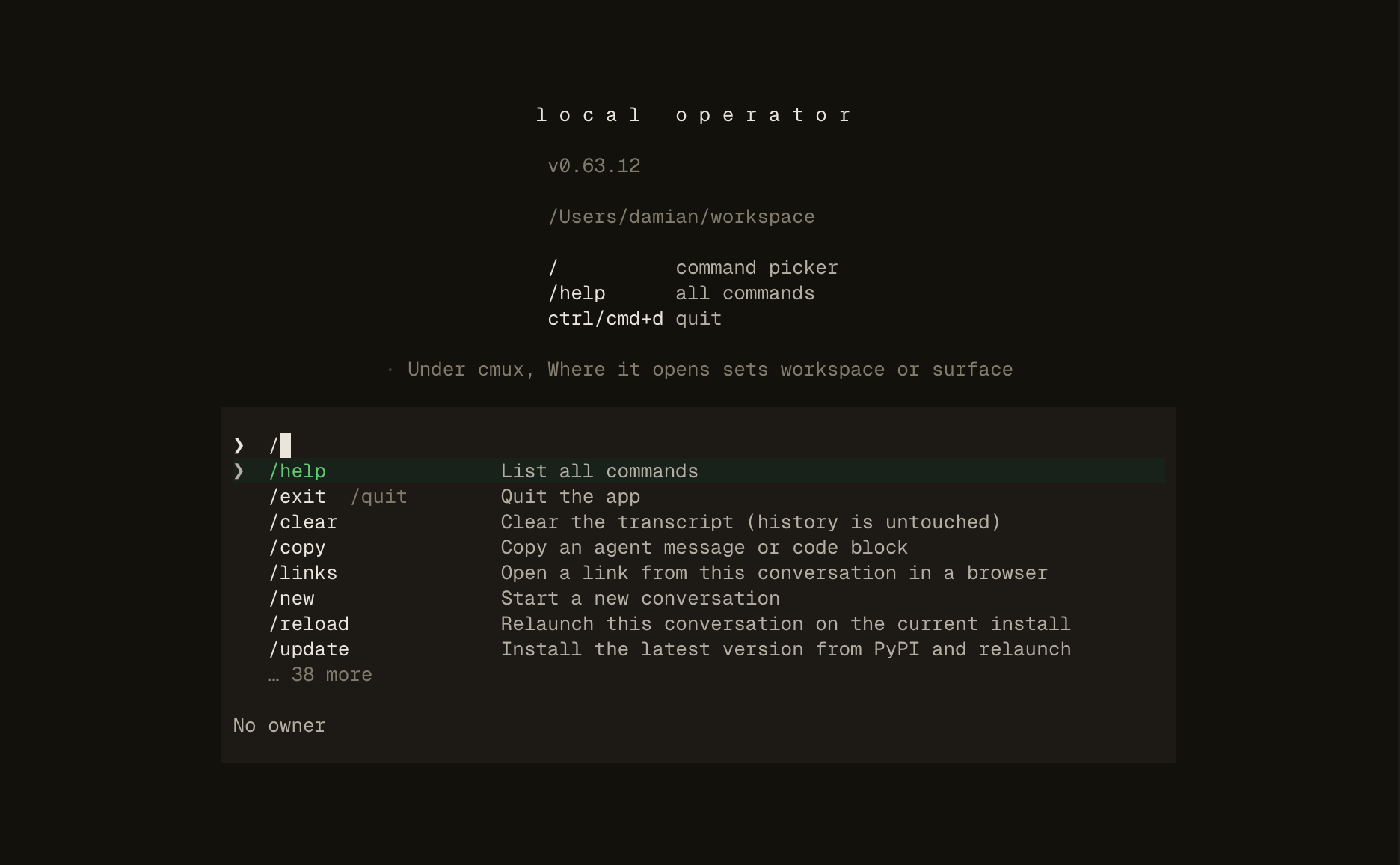
/help shows the full table in-app. The highlights:
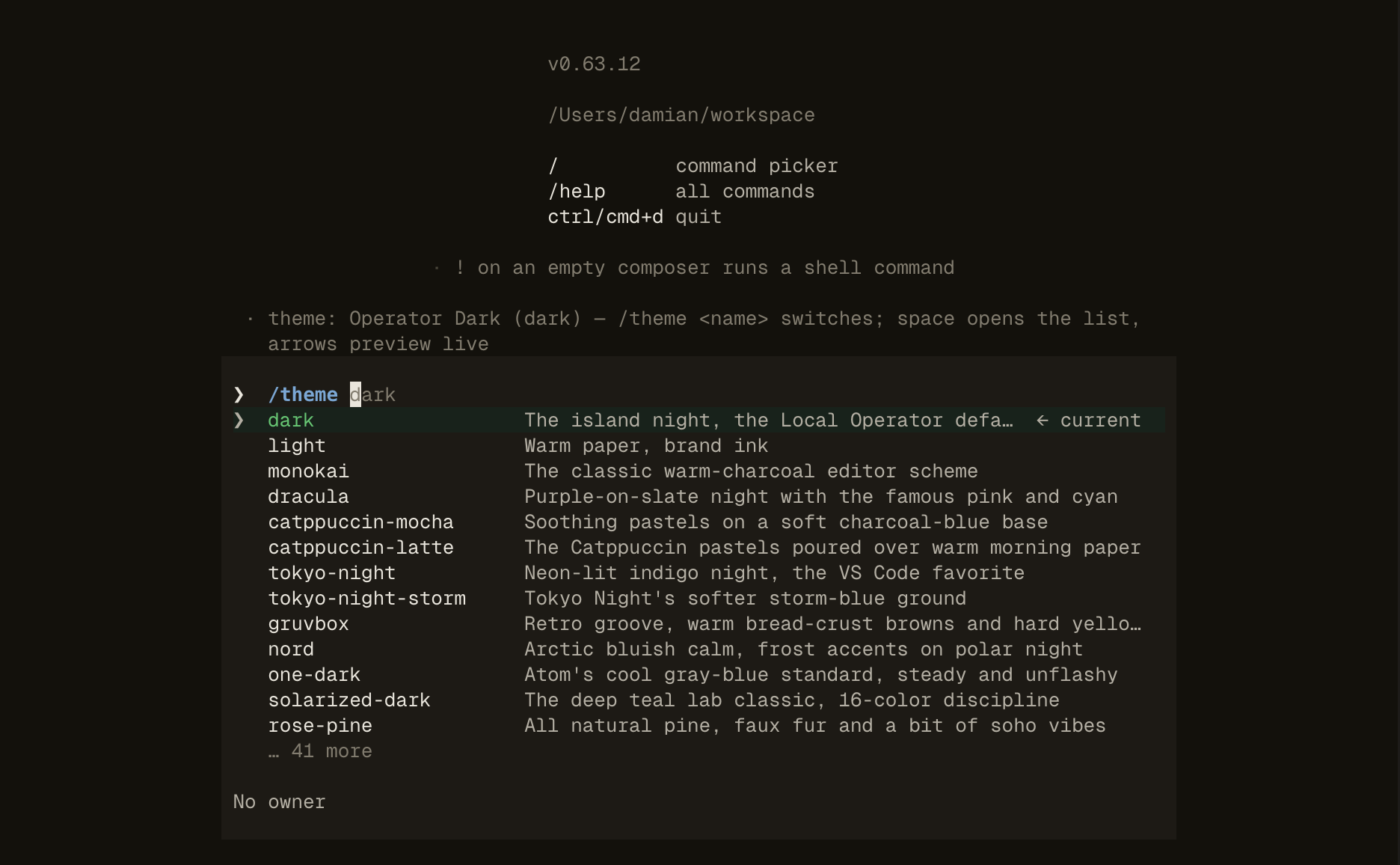
/model— switch model for this session;/model defaultsaves the current one for new conversations./resume— pick a past conversation and continue it./theme— 20+ built-in themes, with live preview as you move./usageand/context— provider quota and spend; what is occupying the context window./approvals— set whether tools ask first (ask/auto)./update— install the latest version from PyPI and relaunch./team,/skills,/mcp— launch a saved team; list loaded skills; list MCP servers.
Sessions and resume
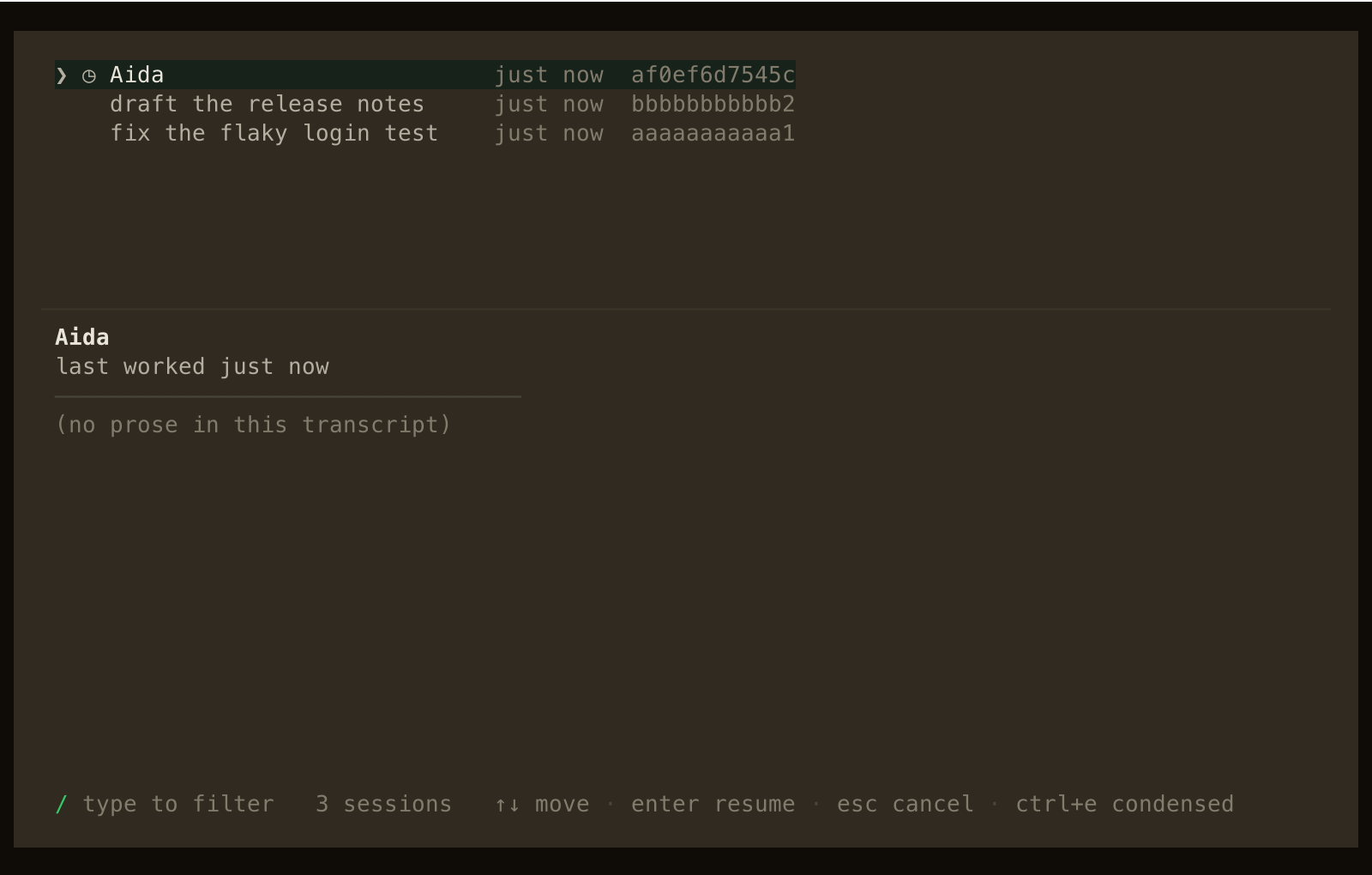
Transcripts persist — come back with /resume and pick from a list of recent conversations with titles and ages. In a terminal multiplexer (tmux, wezterm, cmux), lop also publishes a per-pane crash-restore binding, so a killed terminal does not take the session with it.
Themes
/theme previews each registered theme live as you arrow through; the chosen theme is stored as tui.theme in ~/.local-operator/config.yml.