Agent Mesh
Preview. The full Agent Mesh guide is being written. Pairing is done from the CLI today; the guide will cover roles, trust, and incident controls.
A mesh pairs your devices into one network, so a session on your laptop can see — and hand work to — sessions on another machine: the always-on box at home, the workstation at the office, a teammate's machine with the right access.
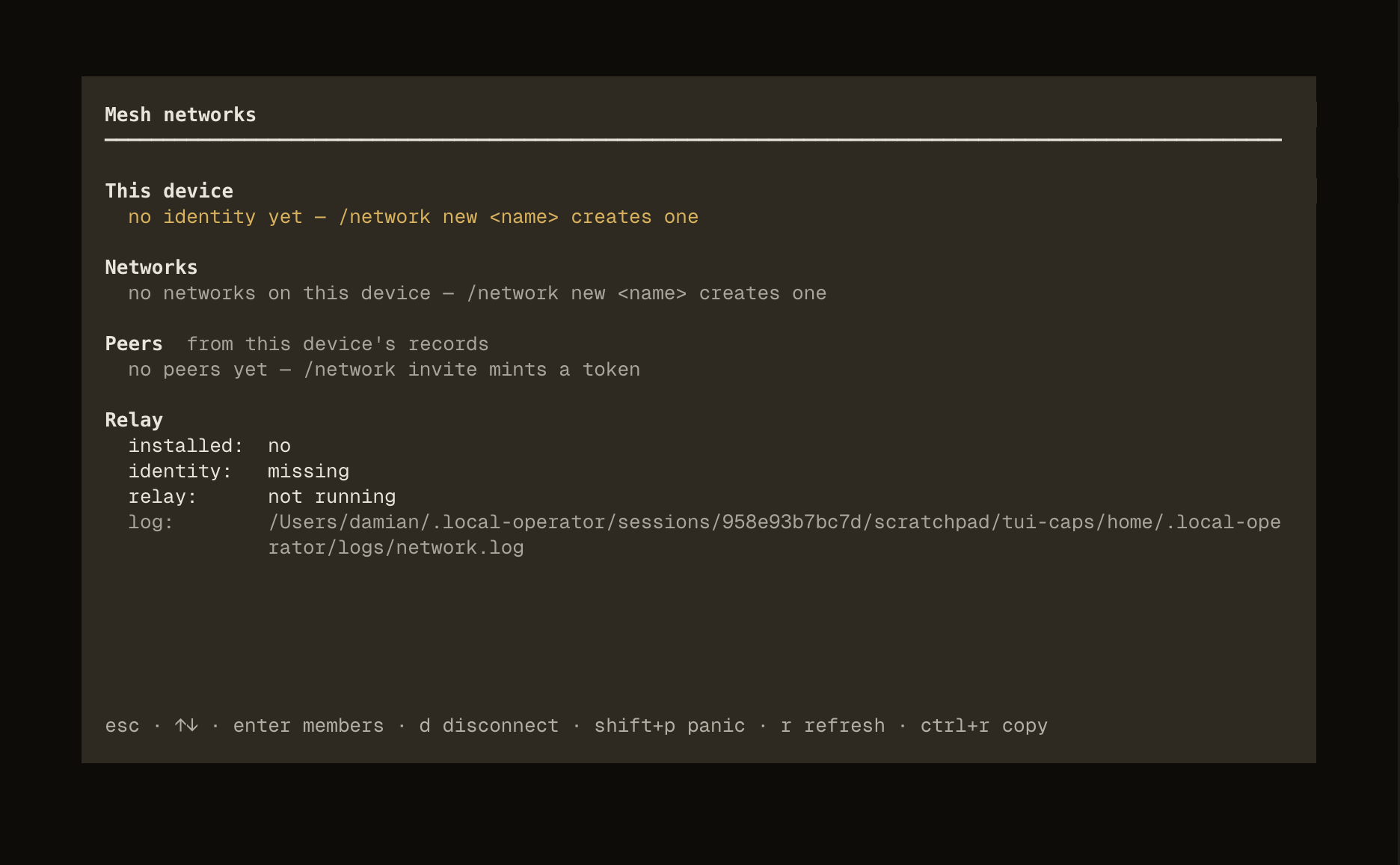
Pairing
Pairing is a shared-secret handshake with a human on both keyboards: one device mints a single-use invite, the other joins with it and derives a 6-digit code plus a fingerprint, and a person compares them with what the inviting side shows before confirming. An agent can drive the joining side up to that compare — no agent path can complete a pairing, and that is a designed interlock, not a gap.
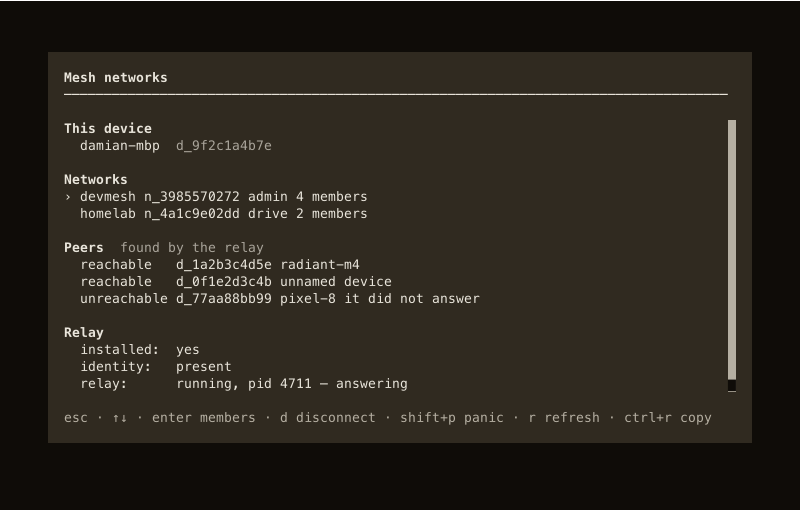
What you can do across devices
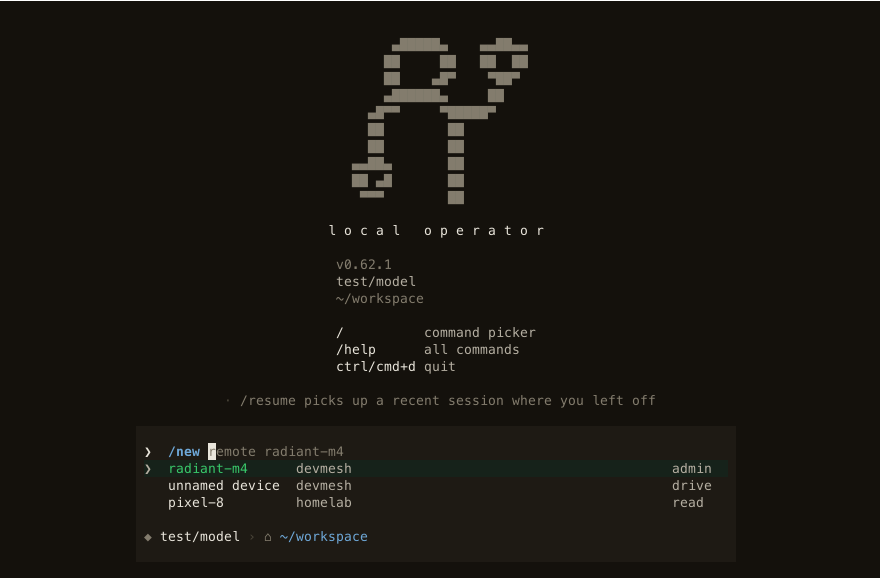
- Sessions across devices — list the sessions a peer is running, start one there (
/new remote <peer>, orlop network sessions --peer <peer> --createfrom a shell), or send it a task. - Roles, not guesswork —
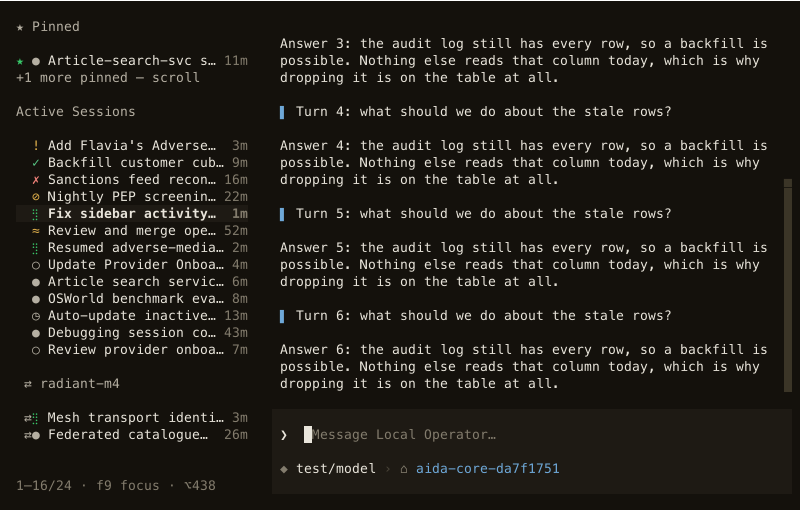
readmeans see,driveadds prompting and steering, andadminadds moving, deleting and membership changes. - Hand off. Move a conversation between devices with its transcript intact and bring it home the same way — the session keeps its history, todos and tool trail wherever it runs.
Staying in control
- Trust is explicit — a device you have not admitted sees nothing, and you can revoke access per device:
lop network member rm <network> <device>rotates the shared secret and withholds it from the removed device. - Leaving is a command, not a hope —
lop network disconnectstops trusting the network, closes links, and deletes the local secret; the audit trail stays. - An incident has one command —
lop network panicbroadcasts a revoke, rotates the secret, and marks the network untrusted here; every other device must be re-admitted before it can connect again. - Compare what you can see — never type a pairing code you did not see on the other device's screen, and never print an invite token.
Until the full guide lands, lop network --help is the reference.