Quickstart
Sign in to a provider
Every provider runs on the same harness and the same model picker. OAuth providers sign in through the browser and use your existing subscription; API-key providers prompt once and store the key locally.
bashlop login # list every login-capable provider lop login anthropic # or openai, kimi, xai-oauth, zai-oauth, ...lop login <provider>also sets that provider as your default hosting and picks a default model, so the very nextlopjust works. Skip this step and an interactivelopopens in a setup state that walks you through/logininstead.Launch the terminal UI
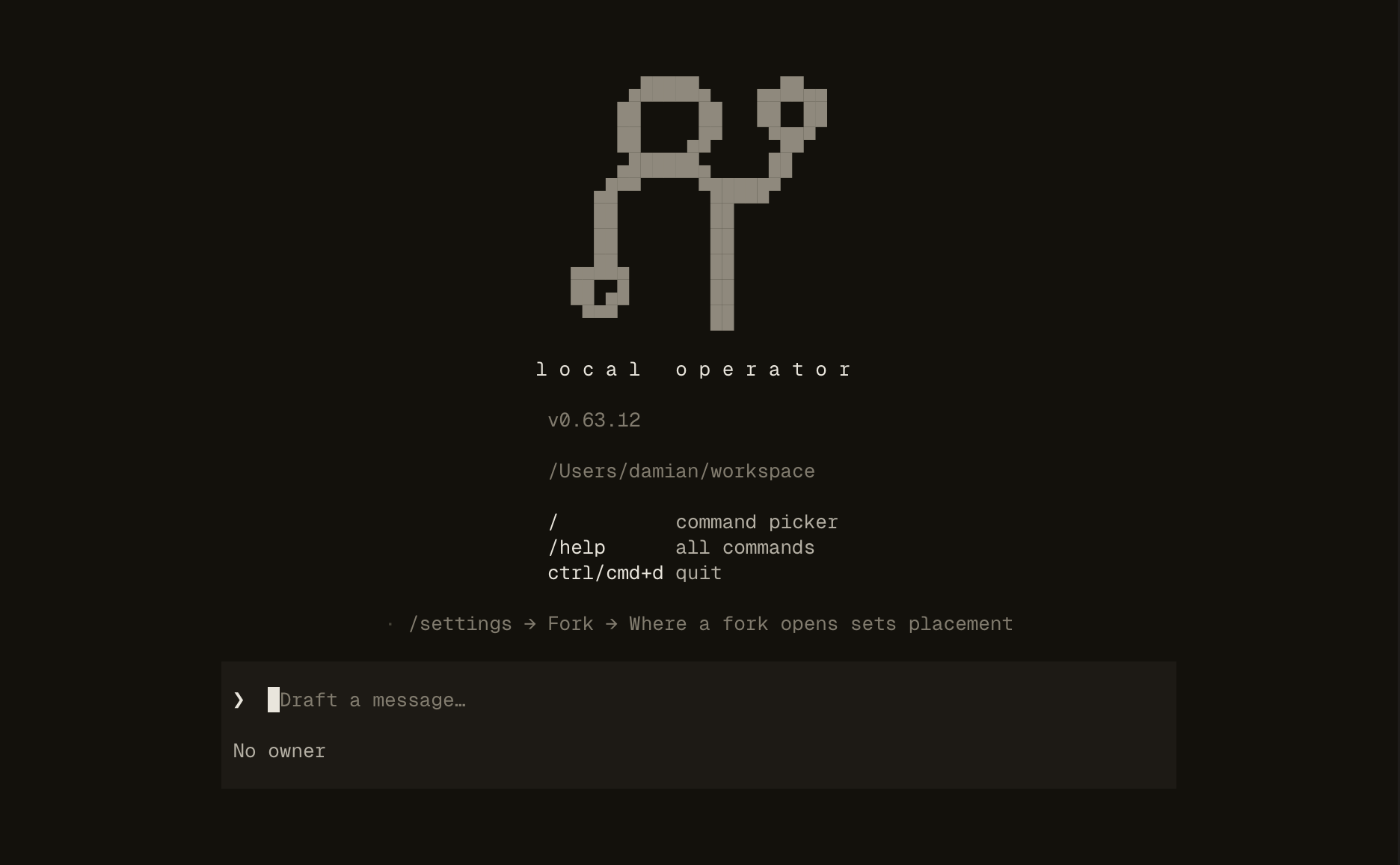
bashlopThe welcome screen is ready for a first prompt. Give it something real: sort this folder by project and tell me what's misnamed or summarize this repo and list what's untested.
Let it work — and steer it
Tool calls stream in as one-line receipts; expand a card with enter or space to see the full command and output. Type while the agent works and your message is delivered at the next step as steering — no need to wait. esc stops the agent without ending the session.
Approve a tool call
Read-only tools run automatically; anything that writes files or executes commands prompts first, showing the exact command before it runs. Approve once, or set a mode with
/approvalswhen you trust the task.Come back later
Sessions persist.
/resumeopens a picker over your recent conversations, each with its title and age, and continues the one you pick. Configuration and credentials live under~/.local-operator/(config.yml,auth.db).
Prefer a local model?
A 7–14B model needs roughly 10–16 GB of RAM or VRAM. Start LM Studio, load a chat model, enable its server, then /login lmstudio inside Local Operator — /login also offers Ollama, vLLM, llama.cpp and a generic OpenAI-compatible server. The CLI form works too, for a model already installed in Ollama:
lop --hosting ollama --model qwen2.5:14b