Agent Hub
The Agent Hub is Radient's public registry of community agents — a shelf of taught agents you can pull down and add to your own setup. Browsing and pulling are public; publishing takes a Radient account.
Browse the hub
In the desktop app, the Agent hub page is the browse surface: "Discover and download community agents on Radient". Categories on the left, search and sorting on top, and cards that carry each agent's description, tags, likes, favourites and download count. The Get button pulls the agent without leaving the page.
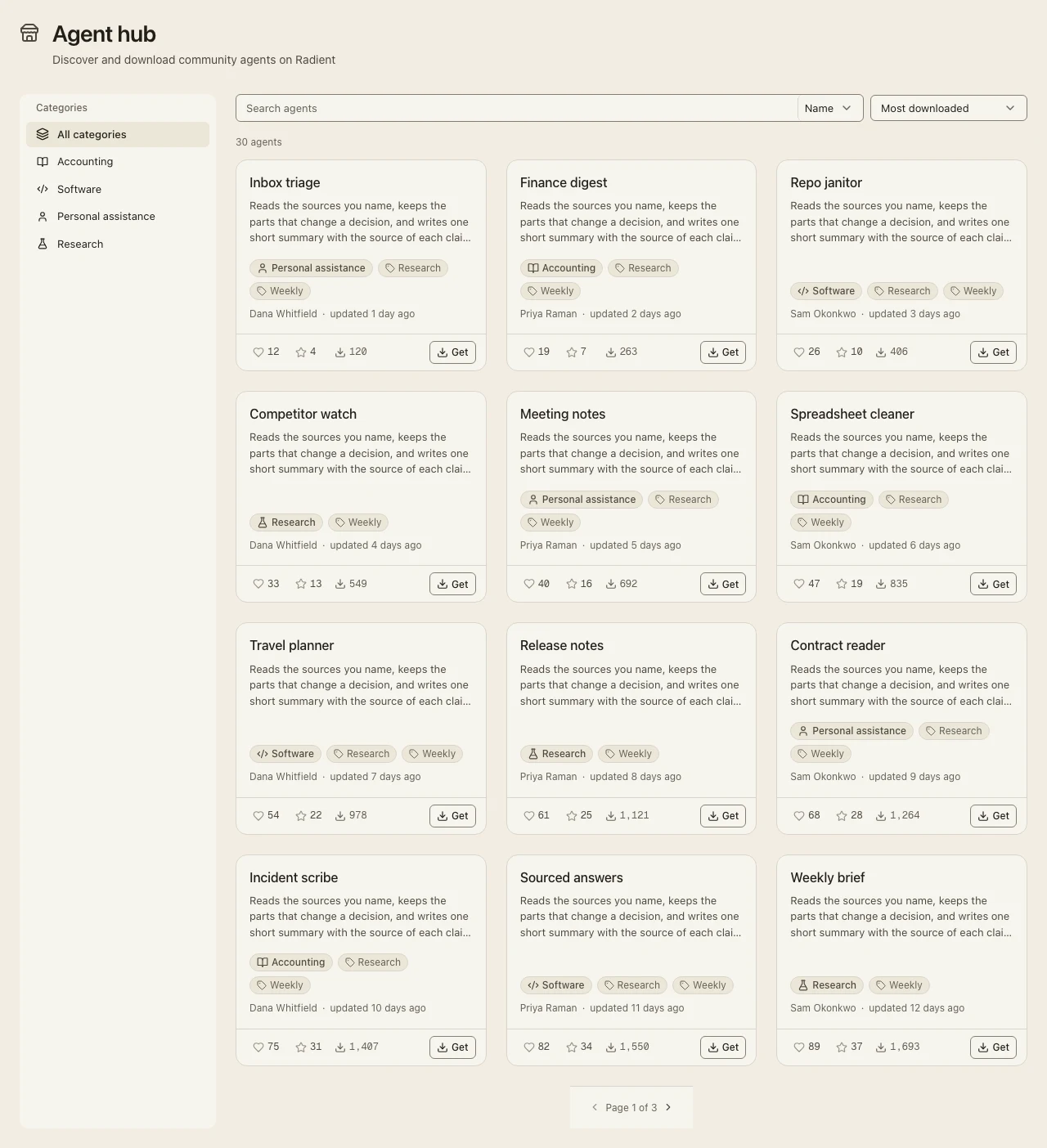
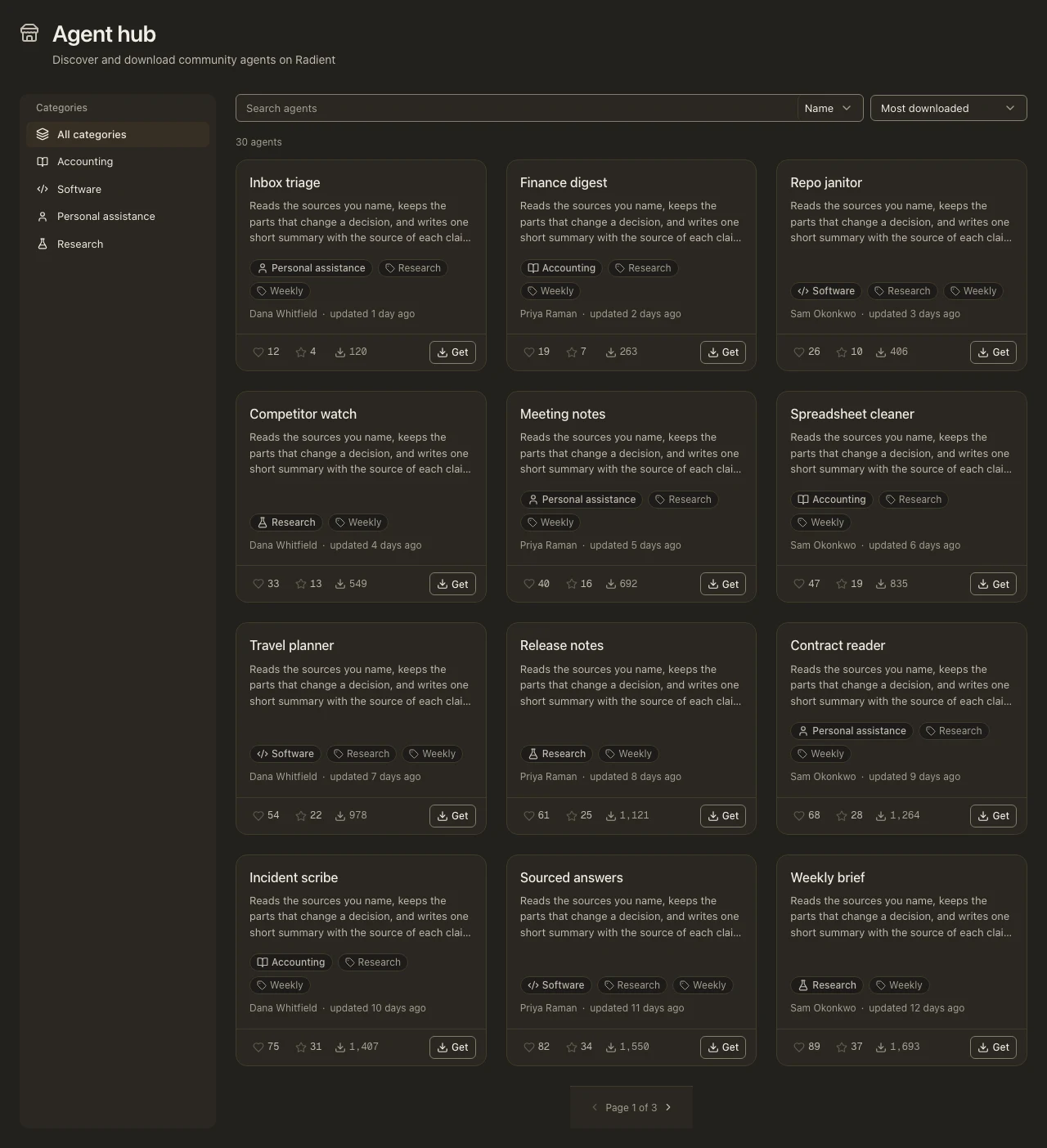
The registry is also a public API — GET https://api.radienthq.com/v1/agents — the same list the page renders.
Pull an agent
lop agents pull --id "<agent_id>"
No key needed: pulling is public. The agent lands in your Local Operator setup, ready to use in a session or to be added to a team.
Publish an agent
Publishing needs a Radient account (sign-up is free). One credential does it:
lop credential update [redacted]   # masked prompt
lop agents push --name "My Agent"
Your agent is published as an instruction-set document, and moderation runs server-side before it appears. The same command updates or repoints an agent you already published, and refusals are specific — a taken name, a reserved name, or a moderation failure each says which.
Share privately with a team
Org sharing puts agents and teams in front of your teammates — and nobody else. Org content is visibility: org: visible to members of that organization, never listed on the public hub, and not fetchable by id from outside.
- Sign in first:
lop login radient. Org calls act as you (your signed-in account), not as a machine key. - Publish and pull with the org target:
lop agents push --name "My Agent" --org <tenant_id>andlop agents pull --id "<agent_id>" --org <tenant_id>. Teams travel the same way:lop teams push --org <tenant_id> <team>andlop teams pull --org <tenant_id> <team_id>. - Roles are
owner/admin/member, and refusals are explicit —not_a_member,insufficient_role, andteam_plan_requiredeach name the next step (invite, ask an admin, activate the plan) instead of failing silently.
If your lop build doesn't recognise --org yet, the desktop app's Agent hub carries org browsing, team pulls and org-targeted publishing today.
The Radient side: plan and billing
Org sharing sits behind the Radient Team plan, and the Radient console is where that lives: the console's Team page manages the plan, members, invites and billing. Billing is handled in the console — nothing about the plan is billed through Local Operator itself.
You do not need a Radient account to use Local Operator, and you do not need one to pull agents from the hub. The account only comes in when you want to publish, or to share within a team.