Mobile relay
Preview. The full mobile-relay guide is being written. What follows is the shape of it; the relay itself ships today.
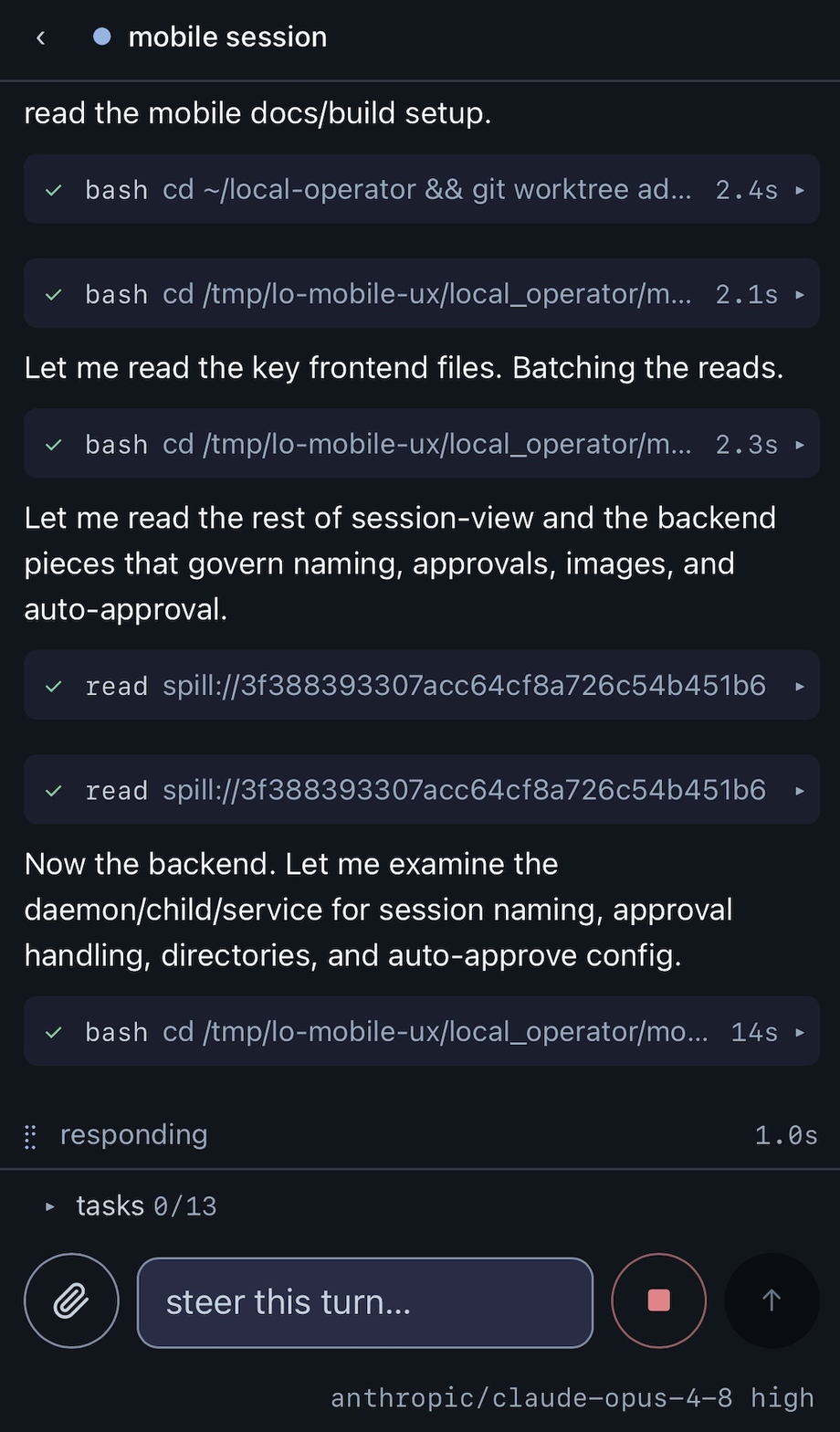
lop mobile install runs a supervised session daemon (a LaunchAgent on macOS). Every interactive session registers with it, so from your phone you can watch what a session is doing, steer it with a message, or start a new one — the same sessions that are running on your desk machine. (You can also just ask the agent: "set up phone access".)
lop mobile status— daemon healthlop mobile password— set the relay passwordlop mobile logs— what the daemon has been doing
From the phone you can watch transcripts stream, steer a running turn, switch model and reasoning effort, run slash commands, drill into subagents, and start new sessions. Approval prompts from phone-started sessions are answered on the phone — sessions started at the terminal still answer at the terminal.
The relay is loopback-only by design: for access away from home, put a tunnel in front of it (a Cloudflare Tunnel with Access, or Tailscale) and leave the daemon bound to 127.0.0.1. The full guide will cover the tunnel setup, the security model, and the phone UI surface by surface.