Always-on & proactive agents
Most sessions are reactive: they wait for you. This page is about the other kind — sessions that start their own turns, long after you closed the window. The mechanism underneath is the wake; the built-in example is Aida, your chief of staff.
Reactive and proactive
A session is idle until something addresses it — your turn, a peer message, a steering note. Making it proactive needs one primitive: schedule a future turn. A wake is durable (it lives in the session, not in a running process), it delivers itself as a normal user-attributed message, and the turn it starts has the full tool surface — files, commands, web, everything.
Scheduled wakes
The agent can arm wakes itself (tell it "check the build again in 30 minutes" — the wake tool schedules it), and you can schedule from outside a session:
lop wake list     # every scheduled wake on this machine, soonest first
lop wake status   # is the supervisor installed, what fires next, what is owed
lop wake create <session> "in 2h" "re-run the deploy smoke tests" --every 1d --until 2026-10-10
Caps keep wakes sane: a 60-second minimum recurrence, up to 16 schedules per session, and a 2,000-character message. The wake panel in the TUI lists a session's schedules — a wake fires with no keystroke, so the panel exists to make a session's autonomy visible before it fires.
Running with every interface closed
Close the terminal. Close the desktop app. Wakes still fire, because of the wake supervisor: a small always-on process that reads the schedule index and starts a runtime when a session's wake comes due. It is installed on demand — arming a wake sets it up; if you never schedule one, it never runs. On macOS it is a launchd agent (com.local-operator.wakes), on Linux a systemd user service, on Windows a Task Scheduler task.
The honest details:
- Missed occurrences are skipped, not replayed. A laptop asleep for six hours owes one hourly check, not six; the late delivery says how many occurrences were skipped.
- A fire that cannot be delivered is owed, not lost. It is recorded and retried with backoff, and
lop wake status(and the TUI's wake panel) shows what is owed. - Unattended turns respect approvals. If a wake fires while you are away and a tool needs approval, the turn waits at the prompt until you answer — from the phone or
/resume. Turning on/approvals auto(or--yolo) is how you opt into unattended execution.
Notifications when you are elsewhere
When a background completion lands and no surface is focused, it is announced — an OS notification from the desktop app, or the terminal's own notifier (desktop notification, cmux, libnotify). A privacy setting gates whether the notification carries the session name or any content. Either way, the result waits in the session, unread, until you come back.
Aida, the built-in chief of staff
Aida ships with Local Operator — there is no setup step. She is one long-lived conversation you reach with /aida, and her job is to orchestrate rather than do the work herself: hand her a request and she delegates to teams and specialist agents, tracks the work, and reports back. She is an ordinary session in every other way — /resume lists her, the sidebar shows her, and every runtime feature (tools, teams, projects, subagents, wakes) works normally.
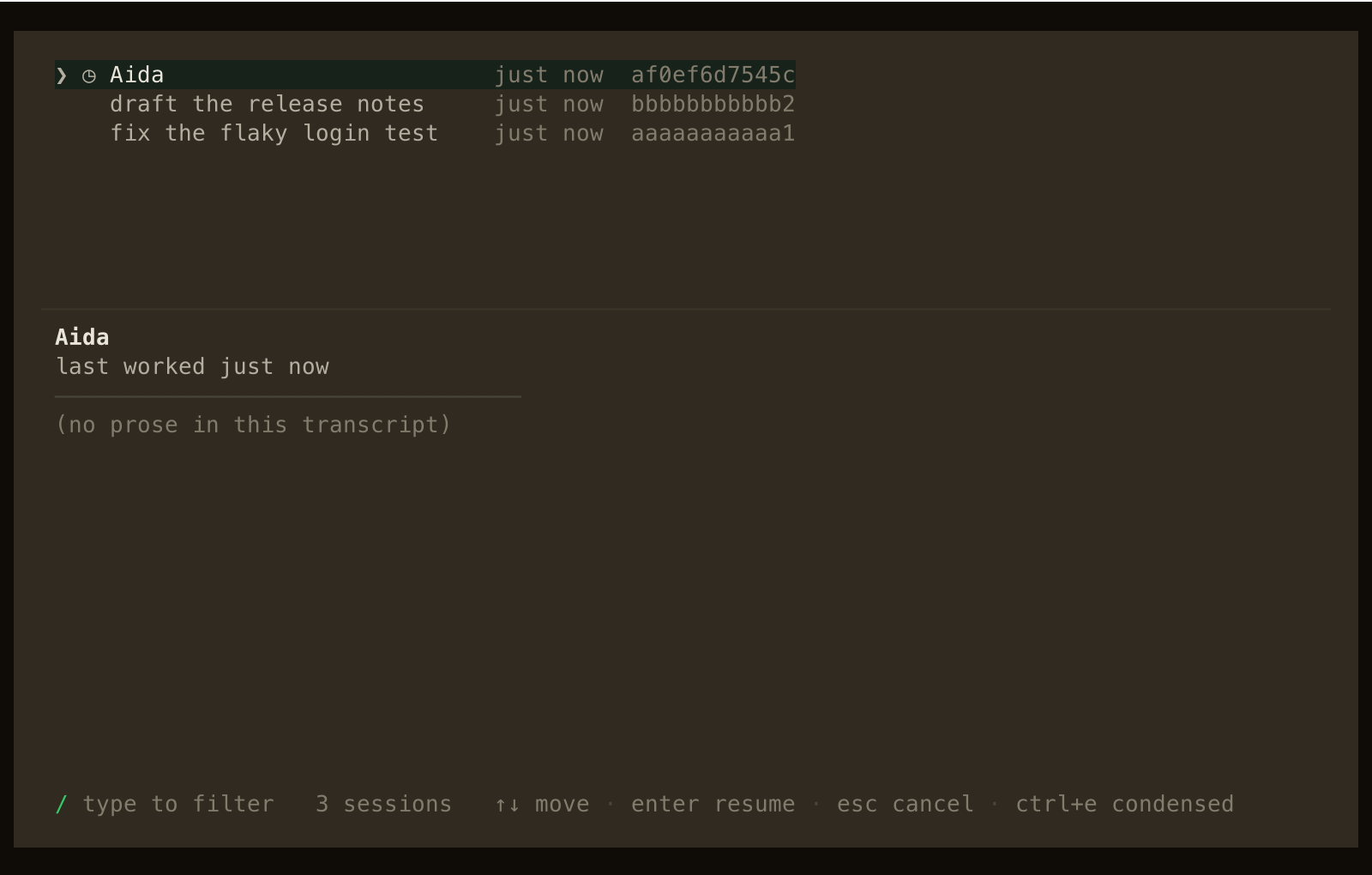
Once a day she wakes herself and reviews what is in flight — sessions, projects, scheduled wakes, usage signals — then reports only what needs your action. A quiet day gets exactly (no action needed). The check-in time is yours to set:
aida:
  cadence:
    at: "09:00"            # daily check-in, local time
    max_extra_per_day: 2   # escalation budget
    min_gap_minutes: 90    # spacing between her wakes
She can also ask for an extra check-in on a day that needs one, and that escalation is bounded by the budget above — she cannot wake you twelve times because a morning was busy. If the machine was off at her check-in time, she checks in late (on the next wake or runtime) and then re-arms for the next day.
Asking, pausing, switching off
| Command | What it does |
|---|---|
/aida | Open her conversation (created on first use) |
/aida <message> | Open her and send your message as the next turn |
/aida status | One line: state, next check-in, today's budget |
/aida pause | Stop proactive check-ins; ordinary conversation still works |
/aida resume | Re-arm the schedule |
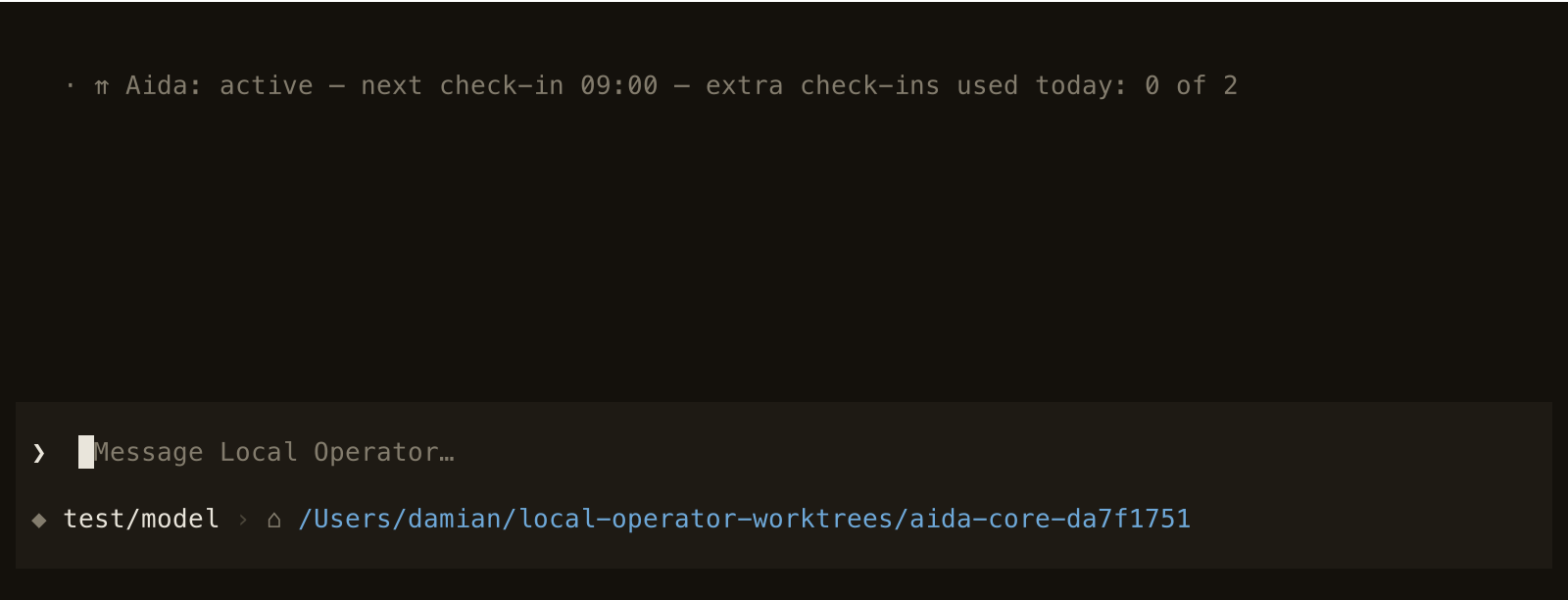
Pausing is the everyday control — the receipt below is what you get back, and /aida resume re-arms the cadence.
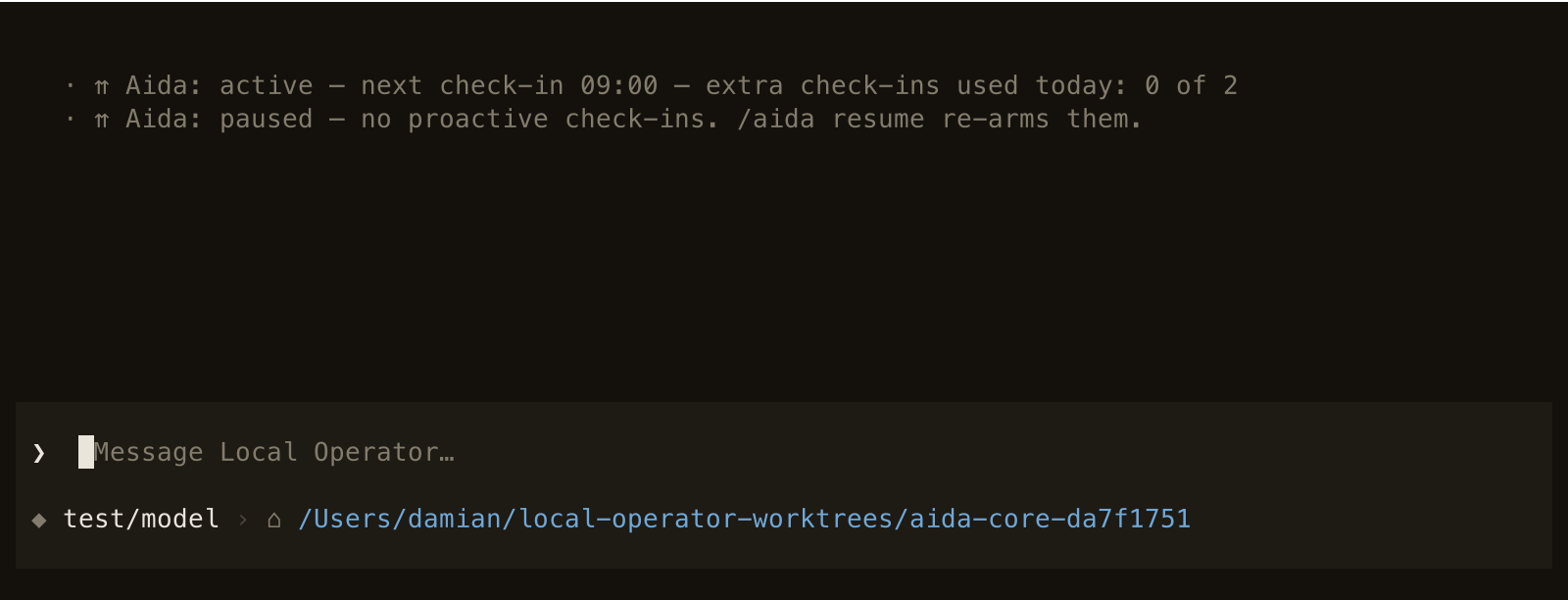
To turn Aida off entirely, either switch works — and it is a zero-footprint switch: no session is created, no state file is written, no wake is armed:
aida.enabled: falsein configuration, or- the environment variable
LOCAL_OPERATOR_NO_AIDA=1
The switches, in one place
All of Aida's settings live in /settings → Aida (or lop config):
| Setting | Default | What it does |
|---|---|---|
aida.enabled | true | Master switch; false disables her completely |
aida.cadence.at | "09:00" | Daily check-in time (local) |
aida.cadence.paused | false | Written by /aida pause and /aida resume |
aida.cadence.max_extra_per_day | 2 | Escalation budget; 0 means only the daily check-in |
aida.cadence.min_gap_minutes | 90 | Minimum spacing between her wakes |